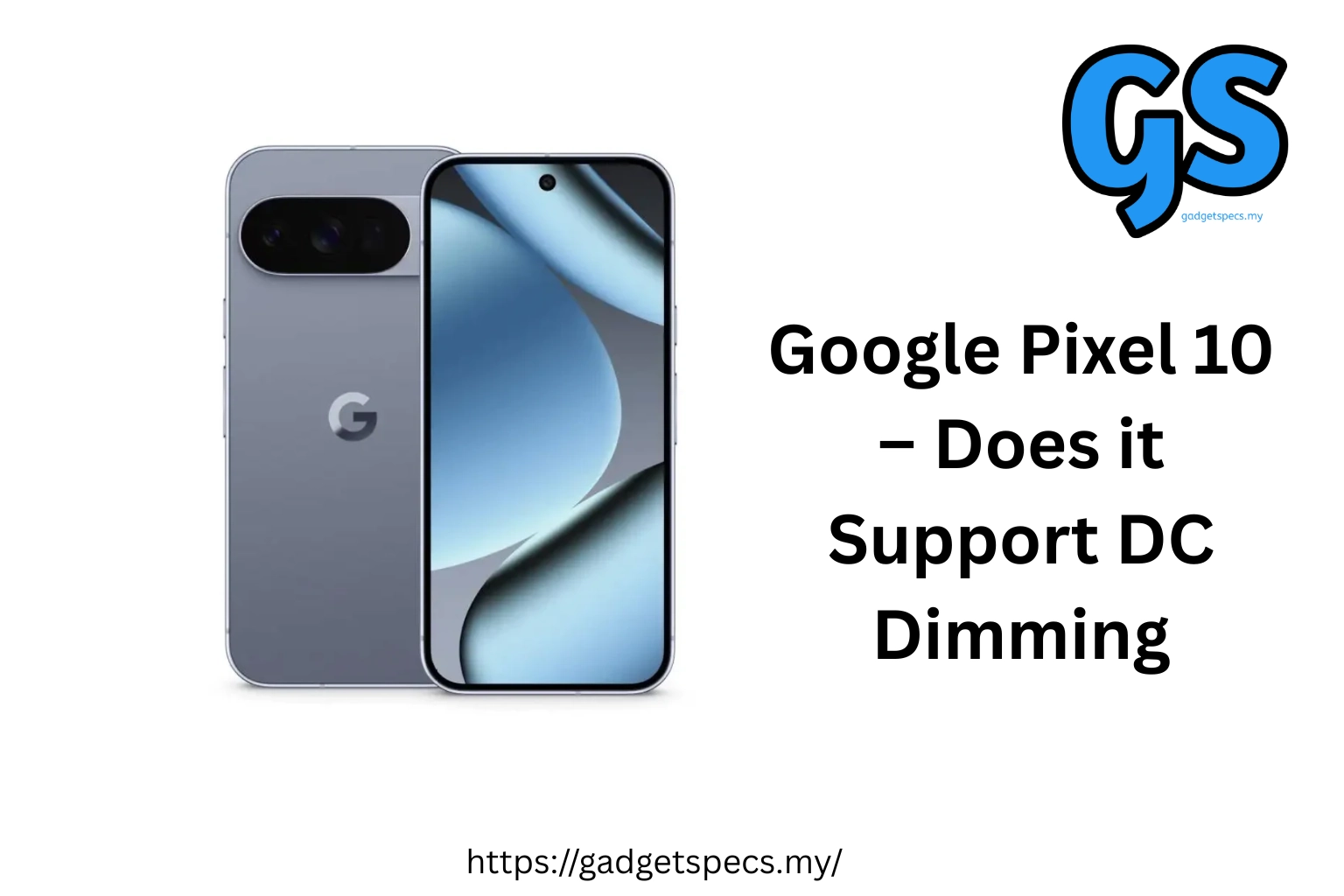
Google Pixel 10 – Does it Support DC Dimming? Complete Guide for PWM-Sensitive Users
Display flicker caused by low-frequency PWM (Pulse Width Modulation) dimming has become a critical concern for smartphone users sensitive to screen flicker. For years, Google Pixel phones have lagged behind Chinese manufacturers in addressing this issue, using 240Hz PWM that can cause headaches, eye strain, and discomfort for affected users. With the Google Pixel 10 series launch in August 2025, Google finally acknowledges this problem — but the solution is limited and not what many users hoped for.
This comprehensive guide explains whether the Google Pixel 10 supports true DC dimming, what PWM frequencies it uses, how the new “Adjust brightness for sensitive eyes” mode works on Pro models, and whether it’s safe for PWM-sensitive Malaysian users. We’ll also cover alternative phones with confirmed DC dimming or high-frequency PWM for those who need truly flicker-free displays. If you’re considering the Pixel 10 but worry about eye strain from display flicker, this guide provides everything you need to make an informed decision. For more display-focused recommendations, check our guides on best AMOLED display smartphones and high refresh rate displays.
Quick Answer: Does Pixel 10 Support DC Dimming?
NO, the standard Google Pixel 10 does NOT support true DC dimming. It continues using 240Hz PWM dimming like previous Pixel models, which can cause eye strain and headaches for sensitive users. The Pixel 10 Pro and Pixel 10 Pro XL offer a partial solution with a new “Adjust brightness for sensitive eyes” setting that increases PWM frequency from 240Hz to 480Hz — still far below the 1,920Hz+ recommended for comfortable viewing by IEEE standards. The Pixel 10 Pro Fold supports 480Hz only on its inner display; the outer display remains at 240Hz. For Malaysian buyers sensitive to PWM flicker, the Pixel 10 standard model is NOT recommended. The Pro models offer improvement but not a complete solution. Consider alternatives like OnePlus 13 (2,160Hz PWM) or Honor Magic 7 Pro (4,320Hz PWM) for truly flicker-free experiences.
Understanding PWM Dimming vs DC Dimming – What’s the Difference?
To understand why DC dimming matters, you need to know how smartphones dim their displays and why this affects some users more than others.
PWM (Pulse Width Modulation) Dimming:
PWM dimming controls brightness by rapidly flickering the display on and off at high speeds. The screen alternates between full brightness and complete darkness hundreds of times per second. Your eyes average this out as a dimmer display, but your brain can still detect the flicker, leading to:
- Headaches, especially after extended use in dim lighting
- Eye strain and fatigue
- Blurred vision
- Migraines in severe cases
- Sleep disruption (blue light + flicker combination)
- Worsening of photosensitive conditions
PWM Frequency Matters: The speed of flickering (measured in Hz) determines how noticeable it is. According to IEEE 1789 standards and research:
- Below 1,000Hz: High risk of adverse effects; noticeable flicker
- 1,000-1,920Hz: Moderate risk; some sensitive users still affected
- Above 1,920Hz: Generally safe for most users; minimal flicker perception
- Above 3,000Hz: Imperceptible to virtually all users
DC (Direct Current) Dimming:
DC dimming controls brightness by adjusting the voltage supplied to the display rather than flickering it. The screen stays continuously lit at whatever brightness level you set, eliminating flicker entirely. This is inherently healthier for eyes.
DC Dimming Trade-offs:
- ✅ Advantages: No flicker, no eye strain, healthier for extended use
- ❌ Disadvantages: Slight color accuracy loss at very low brightness, especially on OLED displays
- ❌ Technical Challenge: More complex circuitry, less efficient power consumption
Google Pixel 10 Series – DC Dimming Support Breakdown
| Model | Default PWM Frequency | “Sensitive Eyes” Mode | DC Dimming Support |
|---|---|---|---|
| Pixel 10 (Standard) | 240Hz | ❌ Not available | ❌ NO |
| Pixel 10 Pro | 240Hz (default) | ✅ 480Hz (optional) | ❌ NO (improved PWM only) |
| Pixel 10 Pro XL | 240Hz (default) | ✅ 480Hz (optional) | ❌ NO (improved PWM only) |
| Pixel 10 Pro Fold (Inner) | 240Hz (default) | ✅ 480Hz (optional) | ❌ NO (improved PWM only) |
| Pixel 10 Pro Fold (Outer) | 240Hz | ❌ Not available | ❌ NO |
What “Adjust Brightness for Sensitive Eyes” Actually Does:
The Pixel 10 Pro and Pro XL include a new accessibility setting called “Adjust brightness for sensitive eyes” that:
- Increases PWM frequency from 240Hz to 480Hz — doubling the flicker speed
- Must be manually enabled in Settings > Display > Adjust brightness for sensitive eyes
- Not enabled by default — you have to turn it on yourself
- May reduce peak brightness slightly when active (exact impact unconfirmed)
- Only available on Pro models — not on standard Pixel 10 or Pro Fold outer display
Pixel 10 PWM vs Competitors – How Does it Compare?
| Phone | PWM Frequency | DC Dimming Option | Recommendation |
|---|---|---|---|
| Google Pixel 10 | 240Hz | ❌ NO | ⚠️ Avoid if PWM-sensitive |
| Google Pixel 10 Pro | 240Hz / 480Hz (optional) | ❌ NO | ⚪ Partial improvement |
| OnePlus 13 | 2,160Hz (low brightness) | ✅ YES (optional mode) | ✅ Excellent for sensitive users |
| Honor Magic 7 Pro | Up to 4,320Hz | ✅ YES (automatic hybrid) | ✅ Best-in-class flicker reduction |
| Xiaomi 17 Pro | 1,920Hz+ | ✅ YES (manual toggle) | ✅ Very good for eye comfort |
| Samsung Galaxy S26 Ultra | 480Hz | ❌ NO | ⚪ Same as Pixel 10 Pro |
| iPhone 17 Pro Max | ~480Hz | ❌ NO | ⚪ Similar to Samsung/Pixel Pro |
Should You Buy Pixel 10 if You’re PWM-Sensitive?
✅ Consider Pixel 10 Pro/Pro XL If:
- You have mild PWM sensitivity and can tolerate 480Hz PWM with “sensitive eyes” mode enabled
- You absolutely need Google’s pure Android experience, exclusive Pixel features, and best-in-class camera AI
- You’re willing to try the 480Hz mode and return the phone if it causes discomfort (test within return period)
- You primarily use your phone at higher brightness levels where PWM is less problematic
- You value Pixel features (Magic Eraser, Call Screen, Photo Unblur, 7 years updates) over perfect eye comfort
❌ Avoid Pixel 10 Standard If:
- You’re highly sensitive to PWM flicker — 240Hz is too low and will likely cause problems
- You frequently use your phone in dark environments where PWM is most noticeable
- You’ve experienced headaches, eye strain, or migraines from previous Pixel, iPhone, or Samsung phones
- You need a phone for extended reading, work, or content consumption sessions
🔄 Better Alternatives for PWM-Sensitive Users:
- OnePlus 13 (~RM4,499): 2,160Hz PWM + optional DC dimming, excellent flagship specs, clean OxygenOS
- Honor Magic 7 Pro (~RM4,999): 4,320Hz PWM, industry-leading flicker reduction, powerful hardware
- Xiaomi 17 Pro (~RM5,299): 1,920Hz+ PWM with DC dimming toggle, Leica cameras, fast charging
- Nothing Phone 3 (~RM3,499): High-frequency PWM with flicker-reduction mode, unique design
- Motorola Edge 60 Pro (~RM2,899): Flicker-reduction accessibility mode similar to Motorola Edge Plus 2023
How to Enable “Adjust Brightness for Sensitive Eyes” on Pixel 10 Pro
If you own a Pixel 10 Pro, Pro XL, or Pro Fold and want to activate the higher 480Hz PWM mode, follow these steps:
Step-by-Step Guide:
- Open Settings app on your Pixel 10 Pro
- Scroll down and tap Display
- Scroll to find Adjust brightness for sensitive eyes
- Toggle the switch to ON
- You may notice a brief screen adjustment as PWM frequency increases from 240Hz to 480Hz
- The setting remains active until you manually disable it
Important Notes:
- This setting is not enabled by default — you must turn it on manually after setup
- It only works on Pixel 10 Pro, Pro XL, and Pro Fold inner display
- Not available on standard Pixel 10 or Pro Fold outer display (hardware limitation)
- Peak brightness may be slightly reduced when enabled (exact impact varies)
- Battery life impact appears minimal based on early testing
Frequently Asked Questions
Does Google Pixel 10 support DC dimming?
No, the Google Pixel 10 does NOT support true DC dimming. It uses 240Hz PWM dimming like previous Pixel models. The Pixel 10 Pro and Pro XL offer an improved 480Hz PWM mode via “Adjust brightness for sensitive eyes” setting, but this is still PWM-based dimming, not DC dimming.
Is 480Hz PWM on Pixel 10 Pro safe for sensitive users?
480Hz PWM is an improvement over 240Hz, but research and IEEE 1789 standards recommend at least 1,920Hz for comfortable viewing. Many users with mild PWM sensitivity may tolerate 480Hz, while highly sensitive users may still experience headaches and eye strain. It’s a partial solution, not a complete fix. Test within return period if you’re concerned.
Which Pixel 10 models have the “sensitive eyes” feature?
Only the Pixel 10 Pro, Pixel 10 Pro XL, and Pixel 10 Pro Fold (inner display only) support “Adjust brightness for sensitive eyes” mode with 480Hz PWM. The standard Pixel 10 and Pixel 10 Pro Fold outer display remain at 240Hz with no accessibility option.
What phones have better DC dimming or PWM than Pixel 10?
OnePlus 13 (2,160Hz PWM + DC dimming option), Honor Magic 7 Pro (4,320Hz PWM), Xiaomi 17 Pro (1,920Hz+ with DC mode), Nothing Phone 3 (high-frequency PWM), and most flagship phones from Chinese brands offer significantly better flicker protection than Pixel 10. See our comparison table above for details.
Can I add DC dimming to Pixel 10 with software?
No, true DC dimming requires hardware support that Pixel 10 lacks. While some third-party apps claim to reduce PWM through software overlays, they cannot actually change the display’s dimming method. The only real solution is choosing a phone with native DC dimming or high-frequency PWM support.
Why doesn’t Google add DC dimming to Pixel phones?
Google (like Apple and Samsung) prioritizes display benchmark performance — brightness, color accuracy, and HDR certifications — which are easier to achieve with PWM dimming. DC dimming can slightly affect color accuracy at very low brightness. Chinese manufacturers prioritize user eye health over benchmark numbers, implementing high-frequency PWM or DC dimming despite minor trade-offs.
Should I wait for Pixel 11 with better DC dimming support?
There’s no guarantee Pixel 11 will improve PWM frequency or add DC dimming. Google took years to even acknowledge PWM as an issue. If you’re PWM-sensitive and need a phone now, choose OnePlus 13, Honor Magic 7 Pro, or similar phones with confirmed high-frequency PWM or DC dimming rather than waiting for uncertain Pixel improvements.
Final Verdict: Pixel 10 DC Dimming Support
Standard Pixel 10 – Not Recommended for PWM-Sensitive Users:
The standard Google Pixel 10 continues using 240Hz PWM with no accessibility improvements, making it unsuitable for
anyone sensitive to display flicker. If you’ve experienced headaches or eye strain from previous Pixel, iPhone, or
Samsung phones, the Pixel 10 will likely cause the same problems. Choose OnePlus 13, Honor Magic 7 Pro, or Xiaomi 17
Pro instead for comfortable viewing.
Pixel 10 Pro/Pro XL – Partial Improvement, Test Before Committing:
The Pixel 10 Pro’s “Adjust brightness for sensitive eyes” mode (480Hz PWM) represents progress but falls short of
industry-leading solutions. Users with mild PWM sensitivity may tolerate it, while highly sensitive users will likely
still experience discomfort. If you absolutely need Pixel’s camera AI and pure Android experience, buy from retailers
with generous return policies and test extensively for 7-14 days before the return window closes.
Best Alternative – OnePlus 13 for PWM-Sensitive Malaysian Users:
The OnePlus 13
(~RM4,499) offers the best mainstream flagship experience for PWM-sensitive users with 2,160Hz PWM at low brightness
plus optional DC dimming mode. It delivers flagship performance, excellent cameras, clean OxygenOS software, and
industry-leading waterproofing (IP69) while eliminating display flicker concerns entirely. For maximum eye comfort,
Honor Magic 7 Pro’s 4,320Hz PWM pushes even further.
Google’s acknowledgment of PWM flicker issues with Pixel 10 Pro’s “sensitive eyes” mode marks a positive first step after years of silence. However, the limited implementation (Pro models only, 480Hz instead of 1,920Hz+, manual activation required) demonstrates that Google prioritizes display benchmarks over user eye health. For Malaysian buyers sensitive to PWM flicker, the Pixel 10 standard model should be avoided, while Pro models represent a compromise that may or may not work depending on individual sensitivity levels.
If display comfort is your priority alongside flagship features, OnePlus 13 and Honor Magic 7 Pro deliver superior solutions with proven high-frequency PWM and optional DC dimming that eliminate flicker concerns without sacrificing performance, cameras, or software quality. Don’t compromise your eye health when better alternatives exist at similar or lower prices.
For more comprehensive smartphone buying guides focused on display quality and eye comfort, explore our resources on best AMOLED display smartphones, how to choose the best smartphone, and OnePlus vs Xiaomi comparisons.
Google Pixel 10 – Does it Support DC Dimming
Introduction
If you’re searching for Google Pixel 10 DC dimming support, here’s what Malaysian users need to know. While the Pixel 10 offers display improvements, true DC dimming across all brightness levels is not fully confirmed. This matters for users sensitive to flicker, especially in low-light conditions. In this guide, I’ll break down the Pixel 10 display features, PWM rates, hybrid modes, and what it means for buyers di Malaysia.
Check our full Google Pixel 10 review for specs, camera, and battery details.
Google Pixel 10 DC Dimming Features
True DC Dimming
The standard Google Pixel 10 does not officially support true DC dimming. This means the screen may still use low-frequency PWM (pulse-width modulation) at lower brightness, which can cause flicker and eye strain for sensitive users.
Flicker-Reduction & Hybrid Modes
- Pixel 10 Pro and Pro XL may implement “sensitive eyes” mode or hybrid dimming: DC-like behavior at higher brightness, PWM at lower brightness.
- The standard Pixel 10 may get slightly higher PWM rates, but not a full DC dimming solution.
- Hybrid dimming helps reduce flicker, but it is not a complete replacement for true DC dimming.
Pixel 10 PWM & Display Frequency
| Feature | Pixel 10 Standard | Pixel 10 Pro / Pro XL | Notes |
|---|---|---|---|
| True DC Dimming | ❌ No | ⚪ Partial | Pro variants may mimic DC dimming via hybrid mode |
| PWM Frequency | ~240 Hz | ~480 Hz | Higher frequency reduces perceptible flicker |
| Flicker-Reduction Mode | ⚪ Partial | ⚪ Partial | Improves eye comfort but not full DC dimming |
| Recommended for PWM-sensitive users | ❌ Not ideal | ⚪ Better | Pro variant may help sensitive users |
| Malaysia availability | ✅ Official Malaysia set | ✅ Official Malaysia set | Check warranty and band support |
Does Google Pixel 10 Support DC Dimming in Malaysia?
- For Malaysian buyers, the standard Pixel 10 does not have verified full DC dimming.
- The Pro / Pro XL variants may offer hybrid solutions that reduce flicker, making them better for sensitive users.
- Always check that you are buying the Malaysia-set variant to ensure correct network bands and warranty coverage.
For alternative phones with confirmed DC dimming in Malaysia, see our Best Flicker-Free Phones in Malaysia guide.
Why It Matters
- Low-frequency PWM (~240 Hz) can cause headaches, eye strain, and fatigue in dim environments.
- Users who frequently use phones in low-light settings should consider hybrid or DC dimming options.
- Flagship phones from other brands, like Xiaomi and OnePlus, often advertise true DC dimming explicitly.
Verdict – Should You Buy Pixel 10 for Flicker-Sensitive Eyes?
- Standard Pixel 10: ❌ Not ideal if you need full DC dimming.
- Pixel 10 Pro / Pro XL: ⚪ Partial solution with hybrid dimming and higher PWM.
- Recommendation: If DC dimming is your priority, consider other flagships with verified DC dimming support. Otherwise, Pixel 10 still offers excellent performance, camera, and software experience in Malaysia.
Semak Harga Terkini di Shopee Malaysia & Lazada Malaysia! Compare seller ratings, check RAM/storage variants, and ensure you’re buying the correct Malaysia-set for warranty coverage.