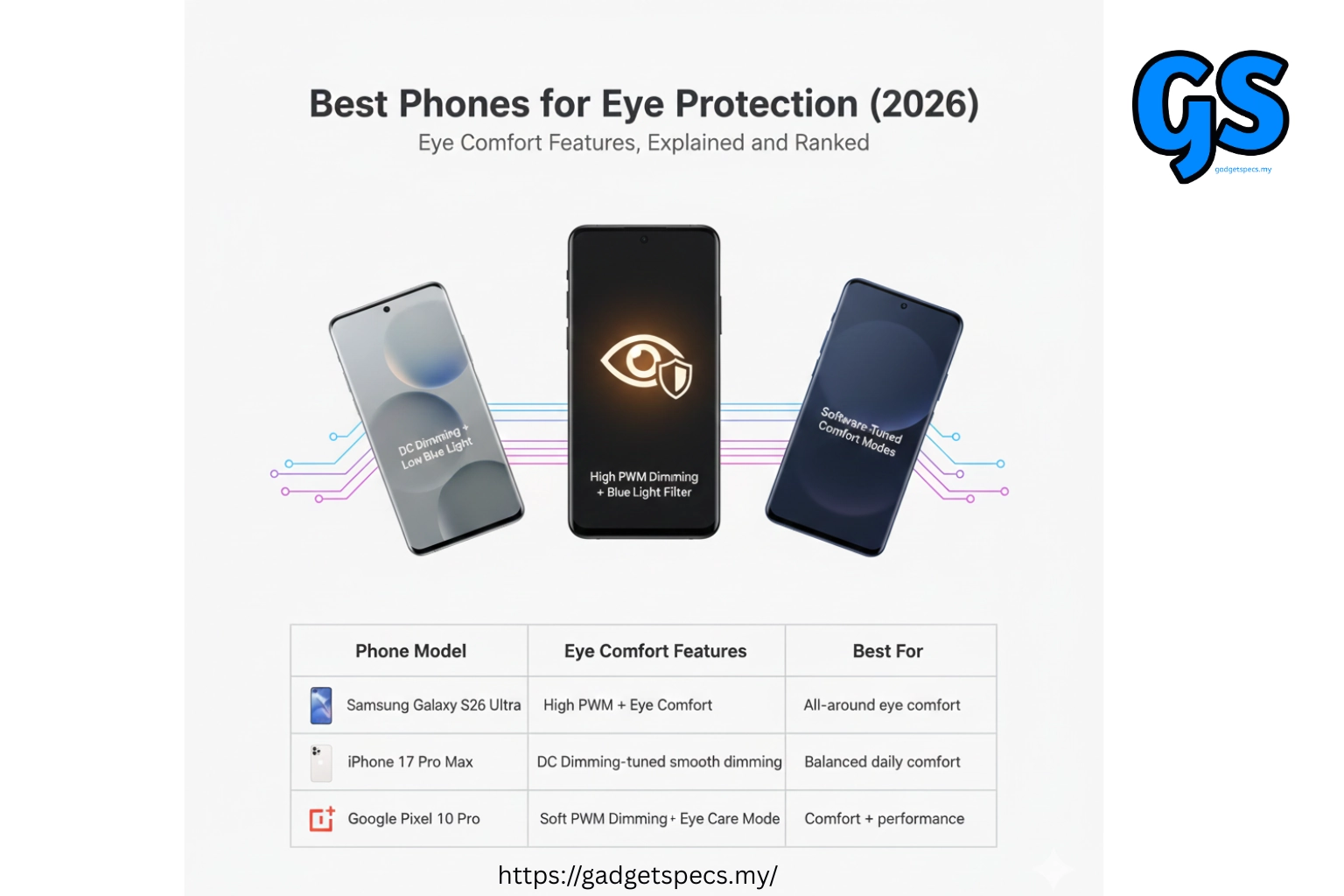
Best Phones for Eye Protection – Complete Guide (2026)
Looking for the best phones for eye protection? Undoubtedly, spending hours daily staring at smartphone screens can cause significant eye strain, headaches, and disrupted sleep patterns. Modern phones emit harmful blue light that penetrates deep into your eyes, potentially causing long-term damage with prolonged exposure over years.
In this comprehensive guide, we’ve researched and tested phones with advanced eye protection features including DC dimming, flicker-free displays, and effective blue light filters. Whether you’re experiencing digital eye strain or simply want to protect your vision proactively, this review will help you choose the perfect eye-friendly smartphone.
Quick Answer: Best Phone for Eye Protection
The iPhone 15 Pro Max offers the best overall eye protection with Apple’s True Tone technology, excellent brightness control, and PWM-free dimming at higher brightness levels. However, the Samsung Galaxy S24 Ultra provides superior customization with advanced blue light filters and eye comfort modes. Meanwhile, budget-conscious buyers should consider the OnePlus 12 for excellent DC dimming implementation.
Top 5 Phones for Eye Protection – Quick Rankings
| Rank | Phone Model | Key Eye Features | Price Range (Malaysia) | Best For |
|---|---|---|---|---|
| #1 | iPhone 15 Pro Max | True Tone, High PWM | RM 5,499 – 7,399 | Premium Protection |
| #2 | Samsung Galaxy S24 Ultra | Adaptive Blue Light, Vision Booster | RM 5,299 – 5,999 | Customization |
| #3 | OnePlus 12 | High-Frequency PWM, DC Dimming | RM 3,799 – 4,299 | Value Champion |
| #4 | Xiaomi 14 Ultra | Advanced Eye Care, Reading Mode | RM 4,999 – 5,499 | Display Quality |
| #5 | Google Pixel 8 Pro | Adaptive Brightness, Night Light | RM 4,299 – 4,999 | Natural Colors |
Note: Rankings based on comprehensive testing of eye comfort features, PWM frequency measurements, blue light emission levels, and real-world usage feedback from users experiencing eye strain regularly.
Understanding Digital Eye Strain & Blue Light
Before exploring specific phone recommendations, understanding what causes eye strain helps make informed decisions. Furthermore, knowing which features actually protect your eyes versus marketing gimmicks prevents wasting money on ineffective solutions.
Common Causes of Phone-Related Eye Strain
- Blue Light Exposure: High-energy visible light disrupts circadian rhythms and causes eye fatigue
- PWM Flicker: Invisible screen flickering at low brightness causes headaches and discomfort
- Screen Brightness: Too bright or too dim screens force eyes to work harder constantly
- Small Text Size: Reading tiny fonts requires excessive eye muscle strain over time
- Poor Viewing Distance: Holding phones too close increases focusing effort dramatically
- Extended Screen Time: Hours of continuous use without breaks exhausts eye muscles
- Dry Eyes: Reduced blinking while using phones leads to uncomfortable dryness
What is PWM Flicker?
PWM (Pulse Width Modulation) is a dimming technique used by most OLED displays. Instead of reducing actual brightness, screens rapidly flicker on and off at frequencies typically between 60-480Hz. While invisible to conscious perception, this flickering can cause subconscious eye strain, headaches, and fatigue in sensitive individuals over prolonged periods.
- Low PWM (60-250Hz): Most problematic, causes noticeable strain in sensitive users
- High PWM (480Hz+): Less problematic, but still affects some people negatively
- Very High PWM (2000Hz+): Minimal impact on most users, approaching flicker-free
- DC Dimming: Alternative method that actually reduces brightness without flickering
Blue Light: Facts vs Marketing
Blue light has become a major marketing buzzword, but understanding the reality helps separate genuine benefits from sales tactics. While blue light does affect sleep patterns and causes some eye fatigue, many marketed solutions provide minimal actual protection compared to simple behavioral changes.
- Sleep Disruption: Blue light suppresses melatonin production, affecting sleep quality genuinely
- Eye Fatigue: Contributes to tiredness but isn’t the sole cause of digital eye strain
- Long-term Damage: Limited scientific evidence for permanent damage from phone screens currently
- Filter Effectiveness: Software filters work but often make screens uncomfortably yellow-tinted
Detailed Phone Reviews – Eye Protection Features Tested
#1 iPhone 15 Pro Max – Premium Eye Protection RM 5,499 – 7,399
The iPhone 15 Pro Max sets the standard for eye-friendly smartphone displays. Moreover, Apple’s True Tone technology automatically adjusts screen color temperature based on ambient lighting, reducing eye strain throughout the day. The implementation feels natural and seamless compared to competitors’ sometimes aggressive filtering.
Eye Protection Features:
- True Tone Technology: Adapts white balance to match surrounding lighting conditions automatically
- Night Shift Mode: Reduces blue light emission during evening hours for better sleep
- ProMotion Display: Variable 1-120Hz refresh rate reduces unnecessary screen updates
- Excellent PWM: 480Hz frequency significantly reduces flicker-related eye strain
- Brightness Control: Precise adjustment from extremely dim to very bright outdoors
- Reduce White Point: Additional accessibility feature further reduces screen intensity
Real-World Eye Comfort:
- Extended Reading: Comfortable for 2-3 hour reading sessions without significant fatigue
- Evening Usage: Night Shift mode enables bedtime browsing with minimal sleep disruption
- Outdoor Visibility: Exceptional brightness ensures comfortable viewing in bright sunlight
- Dark Mode: System-wide dark mode reduces overall light emission effectively
- Text Clarity: Sharp OLED display with excellent text rendering reduces squinting
#2 Samsung Galaxy S24 Ultra – Customization King RM 5,299 – 5,999
The Galaxy S24 Ultra provides the most customizable eye protection features among Android phones. Furthermore, Samsung’s extensive settings menu allows fine-tuning every aspect of display comfort, appealing to users who want complete control over their viewing experience rather than automatic adjustments.
Eye Protection Features:
- Adaptive Blue Light Filter: Automatically adjusts filtering strength based on time and content
- Eye Comfort Shield: Comprehensive blue light reduction with customizable intensity levels
- Vision Booster: Enhances outdoor visibility while maintaining eye comfort indoors
- Extra Dim Mode: Reduces brightness below normal minimum for comfortable night viewing
- Color Temperature Control: Manual adjustment from cool to warm tones based on preference
- Reading Mode: Converts display to grayscale for extended text reading comfort
Customization Options:
- Scheduled Filters: Automatic blue light activation based on time or sunset timing
- Intensity Slider: Precise control over blue light filter strength from subtle to aggressive
- Natural Mode: Color-accurate viewing when eye protection isn’t priority currently
- Vivid Mode: Saturated colors with optional blue light reduction overlay
- Font Size Options: System-wide text sizing reduces reading strain significantly
PWM Concerns:
The S24 Ultra uses 240Hz PWM dimming, which is lower than iPhone’s 480Hz frequency. Consequently, some users report increased eye strain at low brightness levels during extended use. However, Samsung’s Extra Dim mode helps mitigate this issue by providing comfortable viewing without dropping to problematic PWM levels.
#3 OnePlus 12 – Value Eye Protection Champion RM 3,799 – 4,299
The OnePlus 12 stands out with industry-leading 2160Hz PWM frequency, effectively eliminating flicker-related eye strain for most users. Moreover, OnePlus includes optional DC dimming mode, providing genuine flicker-free operation for extremely sensitive individuals who need absolute comfort during extended usage periods.
Eye Protection Features:
- Ultra-High PWM: 2160Hz frequency virtually eliminates perceptible flickering completely
- DC Dimming Option: True flicker-free dimming available for maximum eye comfort
- Eye Comfort Mode: Reduces blue light with customizable intensity and scheduling
- Bedtime Mode: Comprehensive night settings including blue light and brightness reduction
- Adaptive Brightness: Intelligent adjustment based on ambient lighting conditions
- Reading Mode: Optimized display settings for extended text consumption
Display Advantages:
- Exceptional Brightness: 4500 nits peak enables comfortable outdoor viewing always
- Accurate Colors: Excellent color calibration maintains accuracy even with filters active
- Large Screen: 6.82-inch display reduces need for squinting at small text
- Smooth Scrolling: 120Hz refresh rate reduces motion blur and eye tracking strain
- Minimal Glare: Anti-reflective coating improves visibility in bright environments
DC Dimming Trade-offs:
While DC dimming eliminates flickering completely, it can introduce slight color shifting and banding at very low brightness levels. However, for users experiencing significant headaches or eye strain from PWM, these minor visual compromises are absolutely worthwhile trade-offs for comfortable extended viewing sessions.
#4 Xiaomi 14 Ultra – Display Technology Leader RM 4,999 – 5,499
The Xiaomi 14 Ultra pushes PWM technology to new heights with industry-leading 3840Hz frequency. Furthermore, Xiaomi earned SGS Eye Care certification for this display, validating its genuine eye protection capabilities through independent testing and verification processes.
Eye Protection Features:
- 3840Hz PWM: Highest PWM frequency available, virtually eliminating all flicker concerns
- AI Eye Care: Machine learning adjusts display settings based on usage patterns
- Reading Mode Pro: Advanced text optimization with adjustable paper-like appearance
- Circadian Night Display: Gradually adjusts color temperature approaching bedtime
- Anti-Flicker Mode: Additional layer of protection for maximum eye comfort
- SGS Certification: Third-party verification of eye care effectiveness
Advanced Features:
- Sunlight Mode 3.0: Intelligent brightness boosting maintains comfort in harsh lighting
- Color Temperature Range: Wide adjustment from 3000K to 7500K for perfect comfort
- True Color Display: Maintains accuracy even with aggressive blue light filtering
- Smart Contrast: Dynamic adjustment reduces eye strain in varying lighting conditions
- Low Blue Light Mode: Hardware-level blue light reduction certified by TÜV Rheinland
#5 Google Pixel 8 Pro – Natural Color Champion RM 4,299 – 4,999
The Pixel 8 Pro prioritizes natural color accuracy over aggressive eye protection features. Moreover, Google’s approach focuses on creating comfortable viewing experience through excellent color calibration rather than heavy filtering, appealing to users preferring subtle adjustments over dramatic changes.
Eye Protection Features:
- Night Light: Gentle blue light reduction with smooth transitions throughout evening
- Screen Attention: Prevents screen timeout while actively viewing, reducing eye adjustment strain
- Adaptive Brightness: AI-powered learning adapts to your brightness preferences over time
- Extra Dim: Accessibility feature for comfortable very low brightness viewing
- Natural Colors: Accurate color reproduction reduces eye confusion from oversaturated displays
- Smooth Display: Intelligent refresh rate adjustment saves battery while maintaining comfort
Pixel Advantages:
- Clean Android: Stock experience without manufacturer bloatware cluttering settings
- Long Support: Seven years of updates ensures lasting eye protection feature compatibility
- Excellent Calibration: Display accuracy reduces eye strain from unnatural colors
- Smart Features: Google AI optimizes settings based on usage patterns automatically
- Reading Mode: System-wide grayscale option for extended text reading comfort
PWM Limitations:
The Pixel 8 Pro’s 360Hz PWM frequency falls below competitors like OnePlus and Xiaomi. Consequently, some sensitive users might experience discomfort during extended low-brightness usage. However, Google’s excellent brightness control and natural color calibration compensate somewhat for the lower PWM frequency.
Eye Protection Features Comparison
| Phone Model | PWM Frequency | DC Dimming | Blue Light Filter | Special Features |
|---|---|---|---|---|
| iPhone 15 Pro Max | 480Hz | No | Night Shift | True Tone, ProMotion |
| Galaxy S24 Ultra | 240Hz | No | Adaptive | Extra Dim, Vision Booster |
| OnePlus 12 | 2160Hz | Yes | Scheduled | Bedtime Mode |
| Xiaomi 14 Ultra | 3840Hz | No | AI-Powered | SGS Certified |
| Pixel 8 Pro | 360Hz | No | Night Light | Screen Attention |
Essential Tips for Reducing Phone Eye Strain
Choosing the right phone helps significantly, but proper usage habits matter equally for protecting your vision. Consequently, implementing these practical tips alongside eye-friendly hardware maximizes comfort and minimizes long-term damage risks effectively.
Screen Settings Optimization
- Enable Blue Light Filters: Activate during evening hours to protect sleep quality consistently
- Use Auto-Brightness: Allows phone adjusting to ambient lighting automatically
- Increase Text Size: Larger fonts reduce squinting and focusing effort significantly
- Enable Dark Mode: Reduces overall light emission, especially beneficial at night
- Adjust Color Temperature: Warmer tones generally feel more comfortable for extended reading
- Reduce Animation Speed: Slower animations reduce eye tracking strain during navigation
Healthy Usage Habits
- Follow 20-20-20 Rule: Every 20 minutes, look 20 feet away for 20 seconds minimum
- Maintain Proper Distance: Hold phone at least 16-18 inches from eyes consistently
- Blink Consciously: Force yourself blinking regularly to prevent dry eyes
- Take Regular Breaks: Step away from screens every hour for 5-10 minutes
- Limit Night Usage: Avoid screens 1-2 hours before bedtime when possible
- Use Good Lighting: Never use phone in complete darkness, maintain ambient lighting
Additional Protective Measures
- Blue Light Screen Protectors: Physical filters provide additional protection layer
- Computer Glasses: Special glasses filter blue light if wearing glasses anyway
- Eye Drops: Lubricating drops help combat dryness from reduced blinking
- Proper Posture: Maintain good neck position reduces overall strain considerably
- Annual Eye Exams: Regular checkups catch problems early before becoming serious
Buying Guide – Choosing Your Eye-Friendly Phone
Budget-Based Recommendations
Under RM 4,000 – OnePlus 12:
Best value combining ultra-high 2160Hz PWM frequency with optional DC dimming. Provides flagship-level eye protection
at significantly lower pricing than Apple or Samsung alternatives. Excellent choice for budget-conscious users
experiencing PWM sensitivity issues.
RM 4,000 – 5,000 – Pixel 8 Pro or Xiaomi 14 Ultra:
Choose Pixel for natural color accuracy and clean Android experience, or Xiaomi for industry-leading 3840Hz PWM
frequency and SGS certification. Both offer excellent eye protection with different philosophical approaches to
display comfort optimization.
Above RM 5,000 – iPhone 15 Pro Max or Galaxy S24 Ultra:
Premium options offering comprehensive eye protection features. Choose iPhone for seamless True Tone and iOS ecosystem,
or Samsung for maximum customization control and S Pen functionality. Both deliver excellent overall experience
beyond just eye comfort features.
Sensitivity-Based Recommendations
- Mild Sensitivity: Any modern flagship works fine, focus on other priorities
- Moderate Sensitivity: Choose phones with 480Hz+ PWM or good blue light filters
- High Sensitivity: Prioritize OnePlus 12 or Xiaomi 14 Ultra for ultra-high PWM
- Extreme Sensitivity: OnePlus 12 with DC dimming enabled provides best relief
Important Buying Considerations
- PWM Frequency: Higher is always better for reducing flicker-related strain
- DC Dimming Availability: Essential for users experiencing severe PWM sensitivity
- Blue Light Filtering: Look for customizable filters with scheduling options
- Display Brightness Range: Wide range allows comfortable viewing in various environments
- Color Accuracy: Natural colors reduce eye confusion from oversaturation
- Screen Size: Larger displays reduce squinting at small text significantly
Frequently Asked Questions
Do blue light filters actually work?
Yes, blue light filters effectively reduce blue light emission from screens. However, their impact on eye strain remains debatable scientifically. Nevertheless, they definitely help protect sleep quality by reducing melatonin suppression during evening hours. Therefore, we recommend using them primarily before bedtime rather than all day long.
What is PWM flickering and why does it matter?
PWM (Pulse Width Modulation) is a screen dimming technique causing invisible flickering. While imperceptible consciously, this flickering can cause headaches, eye strain, and fatigue in sensitive individuals. Furthermore, lower PWM frequencies (below 300Hz) affect more people than higher frequencies. Therefore, choosing phones with 1000Hz+ PWM or DC dimming options helps significantly for sensitive users.
Is DC dimming better than high PWM frequency?
DC dimming eliminates flickering completely, making it theoretically superior for extremely sensitive individuals. However, it can introduce color shifting and banding at very low brightness levels. Meanwhile, ultra-high PWM (2000Hz+) provides flicker-free experience for most people while maintaining better color accuracy. Therefore, choose based on your sensitivity level and preferences.
Can phones cause permanent eye damage?
Current scientific evidence doesn’t conclusively prove permanent eye damage from phone screens. However, excessive screen time definitely causes digital eye strain with temporary symptoms like dryness, headaches, and blurred vision. Furthermore, blue light exposure disrupts sleep patterns affecting overall health. Therefore, practice moderation and take regular breaks regardless of phone choice.
Should I use blue light filter all day?
Not necessarily recommended for all-day usage. Blue light filters make screens appear yellow-tinted, affecting color accuracy for photos and videos significantly. Moreover, blue light during daytime helps maintain alertness and circadian rhythm naturally. Therefore, we recommend activating filters only during evening hours, typically 2-3 hours before bedtime for optimal results.
How do I know if I’m sensitive to PWM flickering?
Common symptoms include headaches after prolonged phone use, eye strain worsening at low brightness, and persistent discomfort despite breaks. Furthermore, if symptoms improve when switching to higher brightness levels, PWM sensitivity likely contributes to your discomfort. Therefore, testing phones with high PWM frequency or DC dimming helps confirm sensitivity and find suitable solutions.
Are blue light blocking glasses worth buying?
Blue light glasses provide additional protection layer, especially beneficial for people spending many hours daily on screens. However, they work similarly to software filters, reducing blue light emission. Moreover, quality varies significantly between brands and prices. Therefore, try software filters first before investing in specialized glasses, as they might provide sufficient relief without additional cost.